
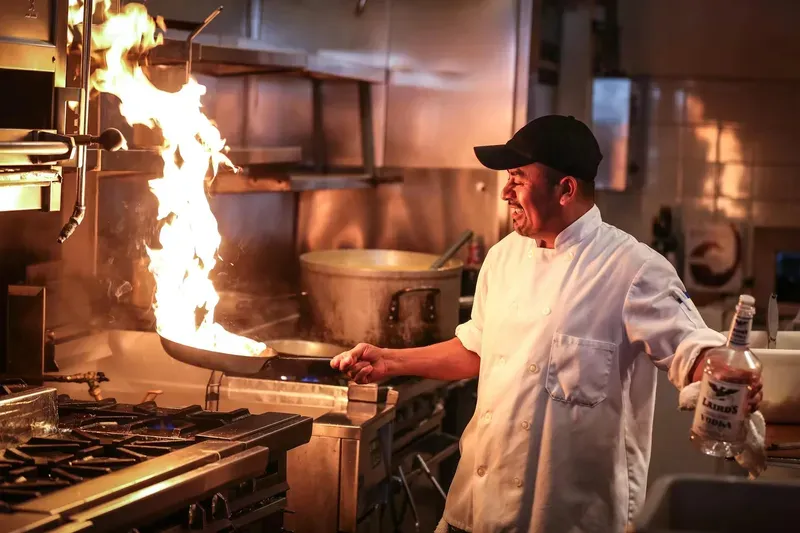
How many bookings did you loselast night while you were cooking?
You're still writing bookings down in a notebook and changing the menu in Canva or a Google Drive PDF every time the price of fish goes up.
Bookings come in on their own, even at 2 in the morning. You update the menu yourself from your phone in a minute, without calling the designer or reprinting anything. And the table that cancelled ten minutes ago is already available to the next customer looking at your website.
Everything you need
A complete suite of digital tools brought together in a single platform.
Orders and dining room
6 featuresQR Ordering at the Table
Your customer arrives, scans their table's QR code and orders. The ticket appears instantly in the dashboard: you accept it, it goes to the kitchen and you mark it as served.
Floor Plan
Lay out the tables just as they are in your venue, with dining room and terrace. See at a glance which are free, booked or occupied at any time of day.
Tables with Their Own QR
Create your tables and download each one's QR code ready to print, along with your menu's QR. Deactivate a table and it stops taking orders straight away.
Order Tracking
A bell rings with every new order, and those waiting more than 10 minutes are flagged as delayed. Check the history of everything served today.
Online Orders
Turn on ordering from your website's menu for customers who aren't sitting at a table. You decide which channels to open at any time.
Live Notifications
Direct connection with Telegram. Get every new order, booking, cancellation or venue request on your staff's phone or smartwatch.
Bookings
6 featuresBooking Engine
Capacity and tables per sitting, split shifts, minimum and maximum notice, and days closed for holidays. You can also add the bookings you take by phone.
Smart Table Assignment
The customer chooses dining room or terrace and the system assigns a table, joining adjacent tables for groups. The table is held while they complete the booking to prevent double bookings.
My Booking and Reminders
Your customer receives an email with a link to view their booking, confirm attendance or cancel it. The day before, they get a reminder and, if they cancel, we let you know.
Management and Opening Hours
Opening hours control for your venue with real-time open/closed indicators for your website. Keep your customers always informed.
Booking Widget
Copy a snippet of code and show your booking engine on any other website. Your customers book from wherever they already find you.
Mobile Experience
A smooth design optimised for smartphones. A native-feeling experience that lets people book in seconds from anywhere.
Payments and events
6 featuresPayments with Stripe
Connect your own Stripe account from the dashboard. Every payment goes straight to your account and you decide what to turn on: bookings, orders or the table bill.
Booking Deposit or Guarantee
Ask for a deposit when booking, or save the card as a guarantee and charge it only if the customer doesn't show up. A fixed amount or per person, with your own cancellation policy.
Pay from the Table
Your customer pays from the QR code: when sending the order or the full bill at the end. The floor plan marks the bill as paid and the table isn't freed until it's settled.
Refunds and History
Refund a deposit, an order or a bill, in full or in part, without leaving the dashboard. See every payment at your restaurant in a single history.
Event Venues
Hire out your spaces by the morning, afternoon or full day, each with its own capacity, price, address and contract. Your customers see availability on a calendar and request the date from your website.
Event Requests and Deposits
Accept each request from the dashboard or allow direct booking by paying the deposit by card. We notify you straight away and the customer gets a reminder before the event.
Menu, brand and management
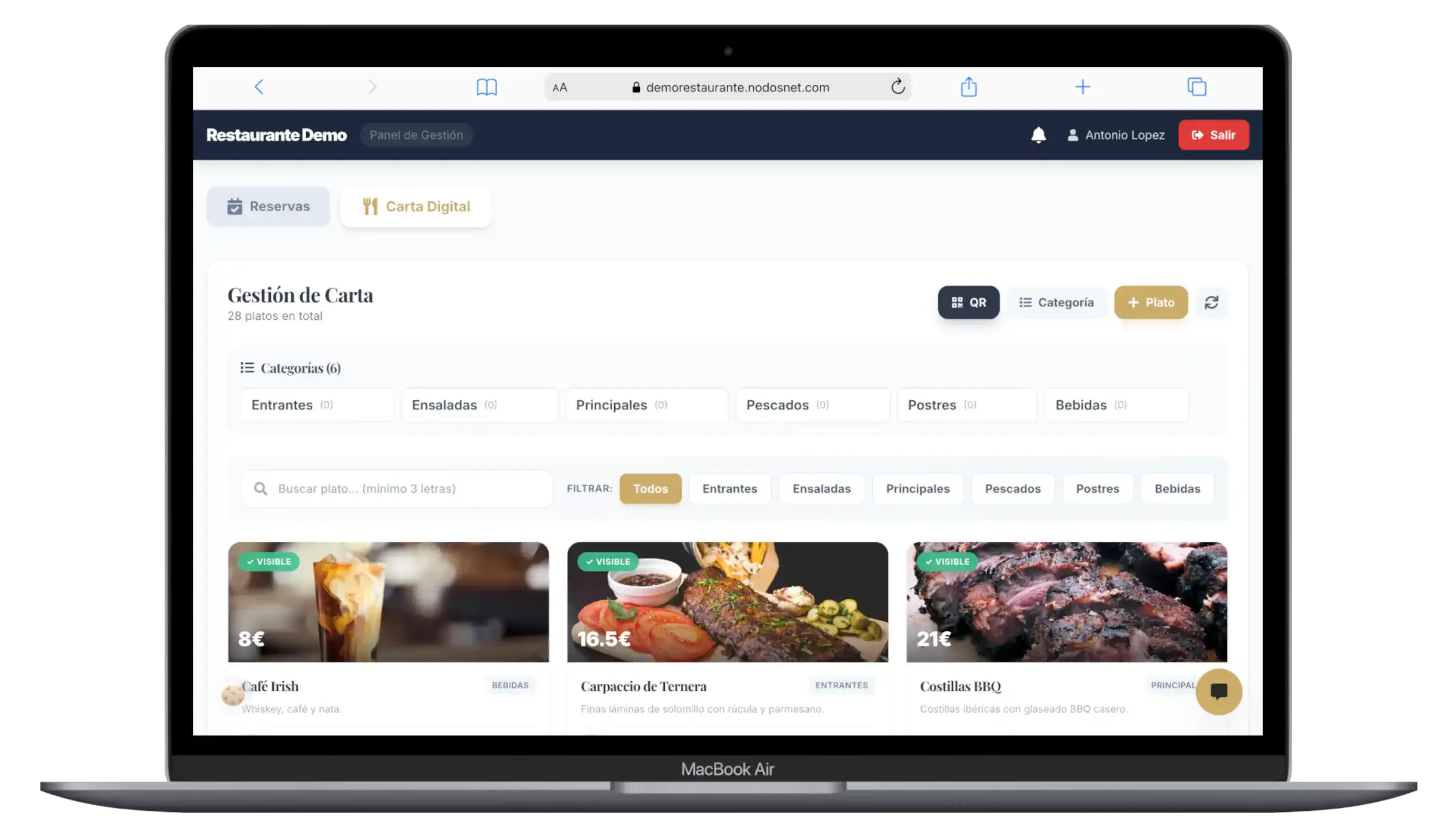
8 featuresInteractive Digital Menu
Your customers deserve to see your dishes in high definition. Upload the photo and it optimises itself; update prices or hide a sold-out dish instantly, without reprinting.
Food Management
Allergens shown on the menu and labels such as Star dish or Recommended, which also highlight your dishes on your website's home page.
App Mode
Turn your website into an App for tablets, phones or points of sale, with direct access to the menu and bookings. You can even use it as your home page.
Ready for Local SEO
Each restaurant has its own title, description and share preview, ready for Google from the very first visit. Stand out in searches in your area.
Guided Dashboard
Every section includes a step-by-step guide and help on every setting, so your team masters the dashboard from day one.
Secure Access
Each user signs in with their own account and only sees the sections that apply to them. Your restaurant's data is protected and isolated.
VIP Experience
Tools designed to make your customers feel special, from the booking to dessert. Keep them coming back.
Constant Evolution
A living platform that grows with the real experience of restaurateurs. We implement your suggestions to improve every day.
Every call you don't answeris a table that doesn't fill.
Your customer wants to book at 23:40, from their phone and without talking to anyone. If they can't, they book next door.
We show you your menu, your tables and your opening hours working inside the platform. No mock-ups or promises: your restaurant.
No-obligation demo · We reply in under 24 h